
Internet Explorer
Internet Explorer is not supported. Please upgrade to a more modern browser.

With the recent update, the Lockette signs have stopped allowing dispensers and droppers to eject items once locked. So we've developed a new way to lock these... with a key!
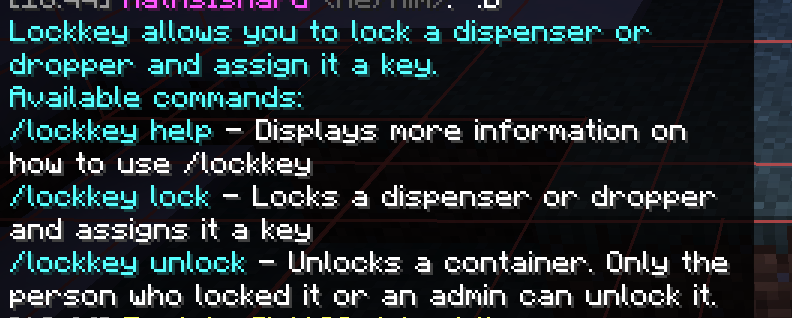
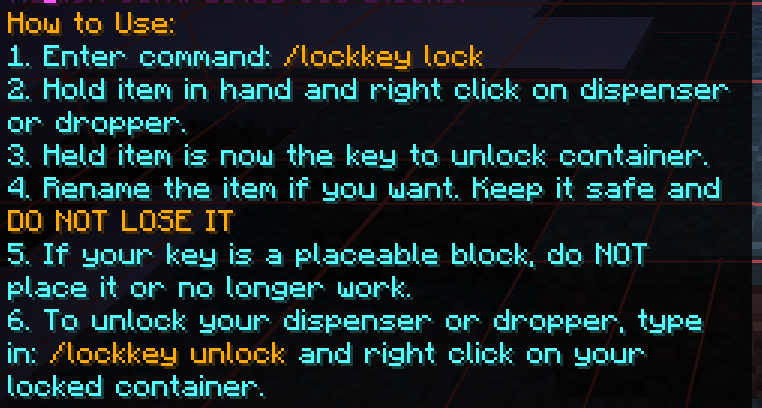
The way it works is, you run the command /lockkey lock and then right click on the dispenser or dropper with an item in your hand. That locks it and makes that item the key. only that item. Another item of the same type won't work. So don't lose your key! The only way to open it access the contents again is by right clicking on it with that key.
If you use a placeable block as the key, don't place it down or it will lose its data and no longer work as a key.
You can get more information on how it works and how to use it with
/lockkey help

Ooh yeah I found that plugin out yesterday when I was tabbing /lock

you know.
This has just OPENED new possibilities with redstone

This could be amazing be minigames
:D Lol my yt is https://www.youtube.com/@Ducks_UK and im a Duck... and thats a gif of me dancing XD

CaptainRobi:
you know.
This has just OPENED new possibilities with redstone
Wow!! New Redstone possibilities?!?!
CaptainRobi:
you know.
This has just OPENED new possibilities with redstone
Like What?
It could be great to to chests like for making banks that it has a key that has the player with the accout, and when it need money use the key
i mean other containers blocks
Ron030416:
CaptainRobi:
you know.
This has just OPENED new possibilities with redstoneLike What?
Locked key doors. 
It only works on dispenser and dropper